Submitting a match result is easy using our new Assistem fixtures platform.
Provided the game is configured on the correct day, a result can be submitted at any time on or after that day. After logon, outstanding match results will be the first thing you see.
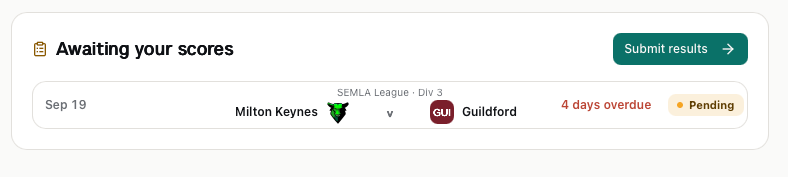
Click the "Submit results" button.
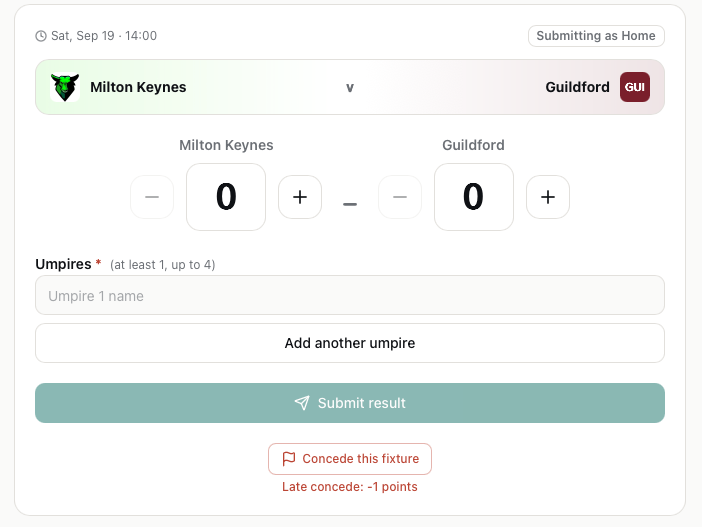
Enter the match score. Both teams will need to submit the score. If the scores match, the score will be automatically confirmed in the system. If there is a score discrepancy then the SEMLA Fixtures Secretary will arbitrate between the two teams to confirm the score.
As the home team, please record the match officials. In a future release, match officials will be selected from the England Lacrosse Sport:80 database of qualified officials. For now, manually enter the officials names.
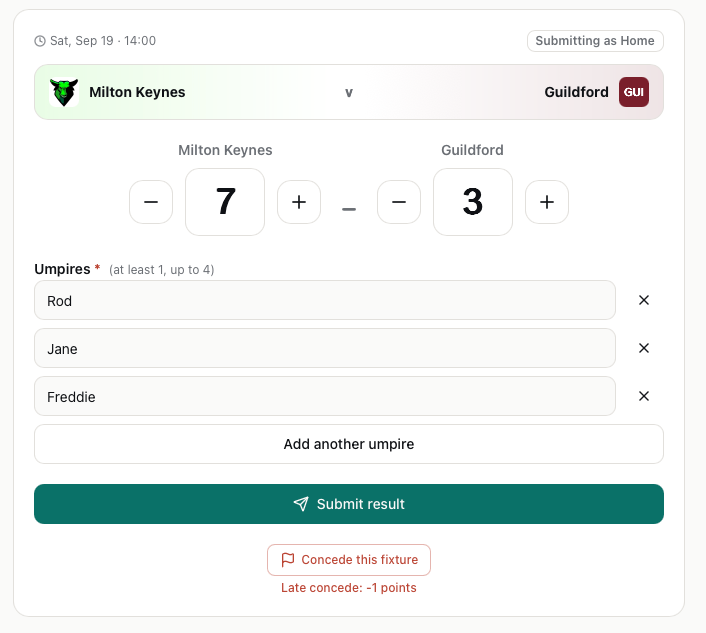
If the match has been conceded, use the button at the bottom. When the score and officials has been entered, click the "Submit result" button to send the result to the system.